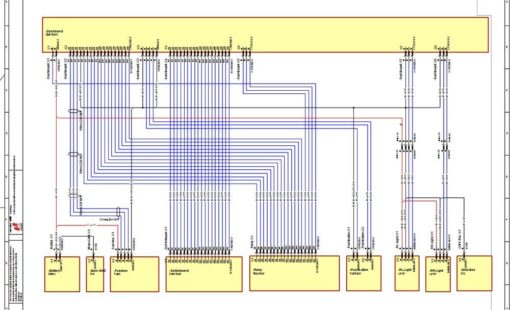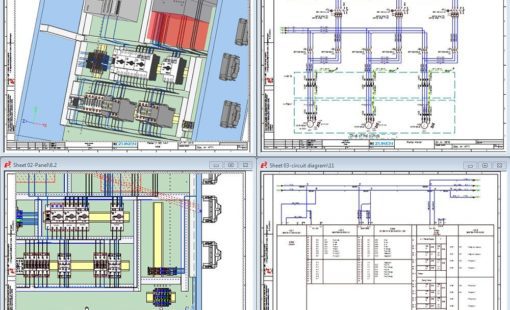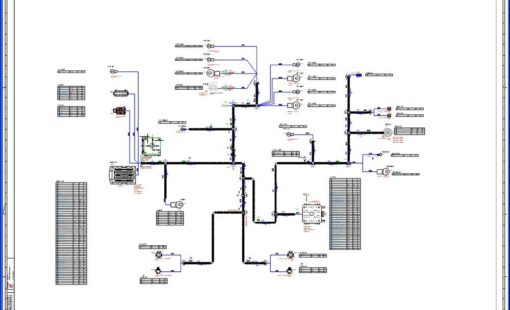
Dynamically create installation spaces for dashboards or control panels
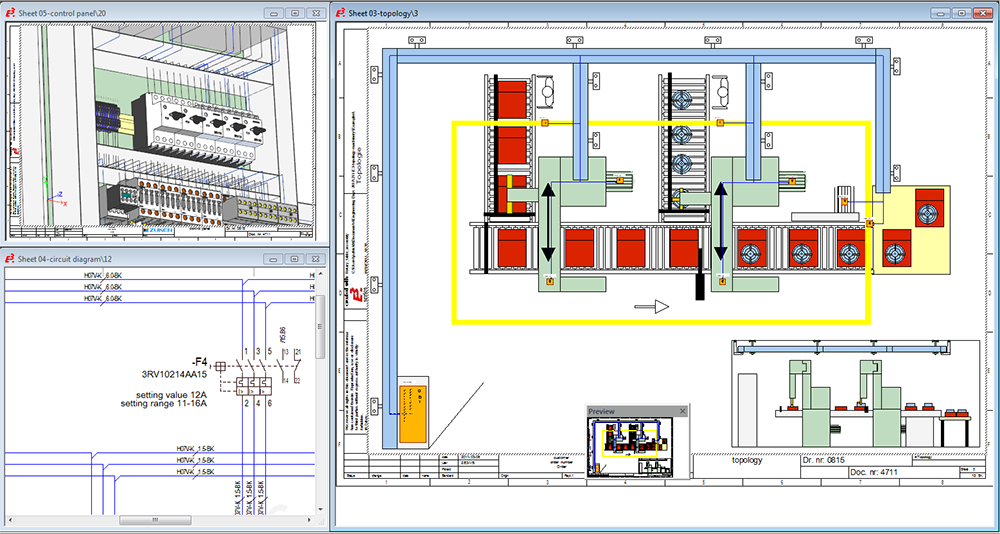
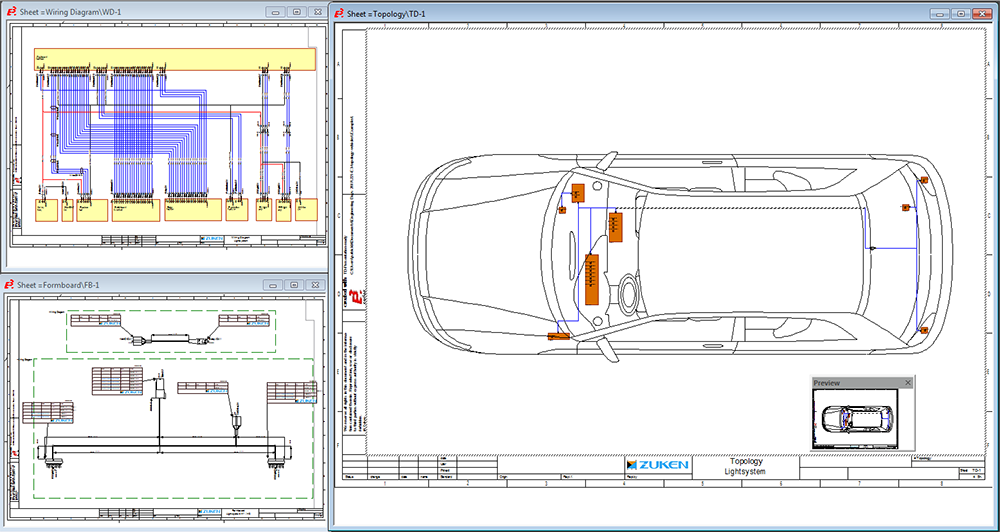
E3.topology takes logical designs into the physical world. Electrical topology sheets created at any scale can be added to the overall E3.series project.
Dynamically create installation spaces for dashboards or control panels

Define connection pathways between installation spaces and place components in spaces

Automatic calculation of segment diameter, weight and cost

Automatic routing of signals, wires and cables between installation spaces
Sheets can represent the chassis of a vehicle or layout of a plant, installation spaces such as the dashboard or control panels are easily added to the sheets. The connections between these installation spaces represent harness routes or cable trays. Alternate views of logical devices held in the same project are simply placed into the relevant installation spaces.
As the detailing process continues, signal logic and wiring information from the schematic is automatically shown in the topology view and the harnesses or cable trays start to be automatically defined. Inline devices are easily added and alternate configurations can be tested quickly. Special reports detail the routes, including cost and weight estimates.
View Datasheet
Related products
E3.cable extends the functionality of E3.schematic enabling individual conductors to be combined together in the design to form cables and harnesses.
E3.panel allows engineers to layout components inside panel enclosures in both 3D and 2D. Intelligent automatic snapping points allow parts to be easily placed in their correct location.
Recent E3.topology Blog Posts
Early optimization of wire harnesses helps minimize design flaws, reduces costs, and saves valuable time during the product development cycle.
E3.topology builds an intelligent connection between functional design and detailed design to create a transformative design process. Learn more about the benefits of connecting functional and detailed design in one package.
Early stages of complex designs often lack the specific details required to create a detailed design. Therefore, topology planning is an important part of managing the placement of systems and sub-systems. The hierarchical design is a top-down design approach to communicate the details of a complex system