Tech-Tip: Compare the shape of each layer in two design data items
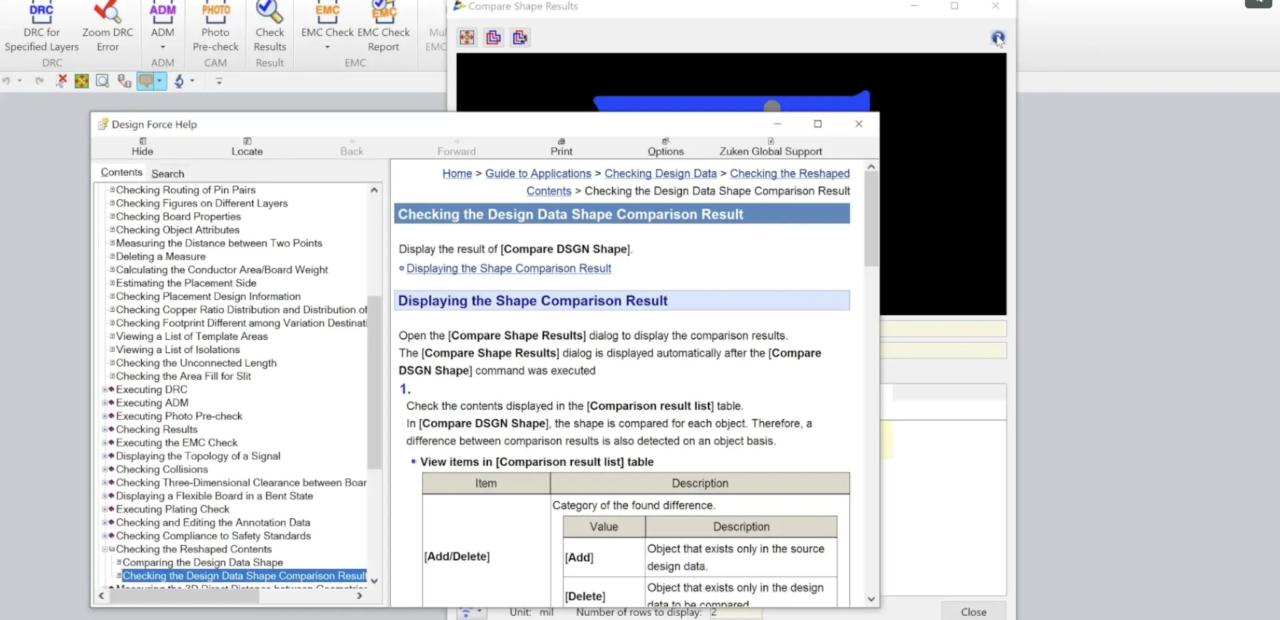
The Designer can compare two designs to see the differences between the two. This can be useful if minor changes or major changes have been made to an existing design or one received from another facility.
Two compared design data items are overlapped on the canvas.
The currently opened design data on the canvas of the main window is handled as the comparison source, and the design data specified in [Target file] with the [Compare DSGN Shape] command is done as the comparison destination.
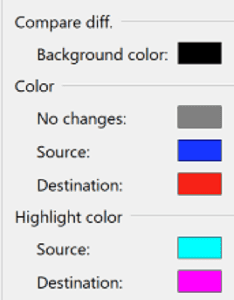
The design data side of the comparison source is displayed in the color specified in [Application Settings] – [Compare diff.] – [Color] – [Source].
When a difference found in the design data side of the comparison source is selected from [Comparison result list], it is displayed in the color specified in [Highlight color] – [Source].

-
Applications Engineer at Zuken USA.

- Blog
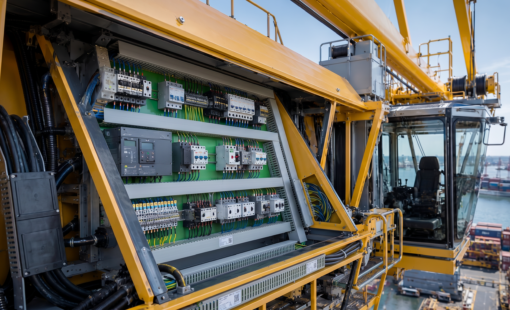
Erfahren Sie, wie E3.3DPanelBridge mechanische Einbauräume in E3.Panel verfügbar macht, damit elektrische Komponenten unter Berücksichtigung des tatsächlichen Bauraums platziert werden können.
- Blog
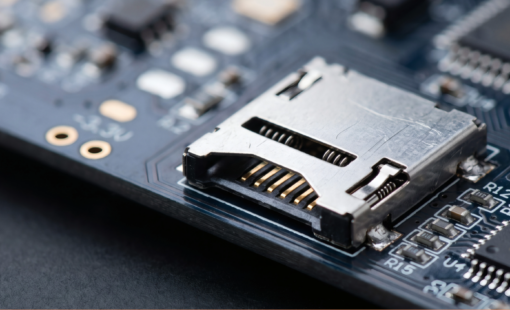
Warum zeigen SERDES- und DDR-Designs trotz bestandener Layout-Checks erst im Prototyp Fehler? Der Beitrag erklärt, wie frühe Analysen von Signalqualität und Timing solche Risiken sichtbar machen.

- Blog
Erfahren Sie, wie Eye-Pattern-Analysen PCB-Designern helfen, Spannungs- und Zeitreserven in High-Speed-Kanälen zu bewerten und wie CR-8000 eine frühzeitige Signalintegritätsprüfung unterstützt.

- Blog
Der vollelektrische Kompaktbagger SV17e zeigt, wie E3.series Yanmar bei der Entwicklung moderner elektrischer Baumaschinen unterstützt.