E3.series Tech Tips

- Blog
Top 10 Tech Tips of 2019 – try saying that one 5 times fast!
- Blog
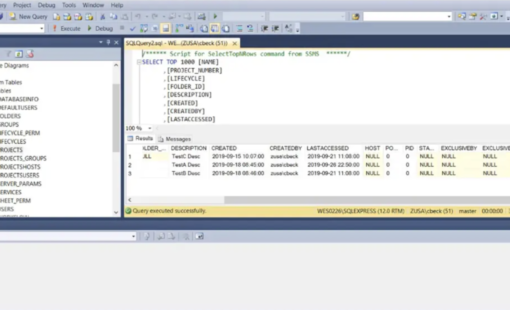
E3.Enterprise system administrators and users alike may find benefit from this video that provides a scripting method to produce a timestamped report file containing E3.series multiuser project data that can be opened in Microsoft Excel and sorted. This may be particularly helpful when preparing for a software upgrade to the E3.series system in order to prioritize which multiuser design projects are most critical to upgrade first over a migration weekend.

- Blog
Our team loves to share their expertise to help users be more efficient and productive using our software. Brian Gilman, Geo Ng, and Sanu Warrier have gathered up some of their favorite Halloween Tips and Treats here for you. Nothing scary here – just six expert tips that will help you improve your skills and treat you to something new!
- Blog
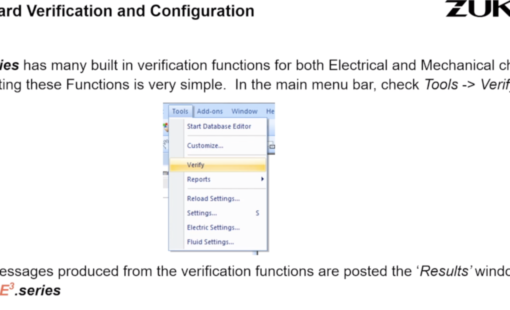
In this tech-tip, we will cover the steps for creating custom verification scripts. This will ultimately create consistency in your verification process as well as saving you time as you can reuse this script from one design to the next.
- Blog
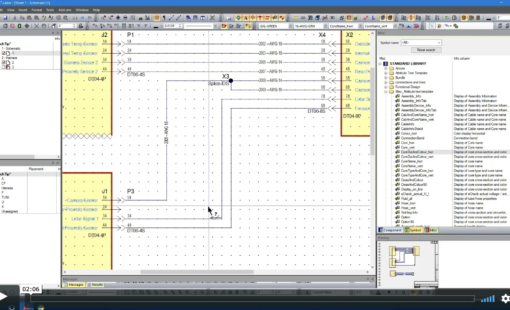
A detailed electrical drawing forms the basis of communicating the wiring and connection details to the manufacturing and support teams. The E3.series design suite enables users to add details such as signals, wires and termination details on connections (automatically in most cases) in easy to use attribute text templates.
- Blog
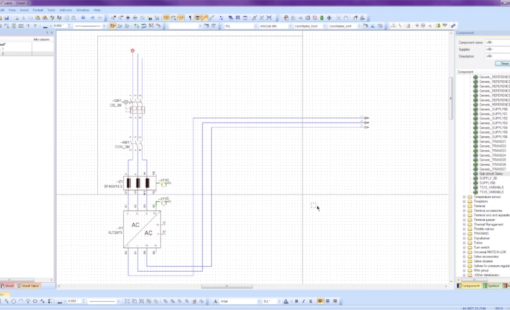
This video will show you how to create and use subcircuits in E3.series. Predefined subcircuits can be stored in the E3.series database. These subcircuits can be added to your project to complete your circuits. In E3.schematic, subcircuits are inserted intelligently into a drawing.
- Blog
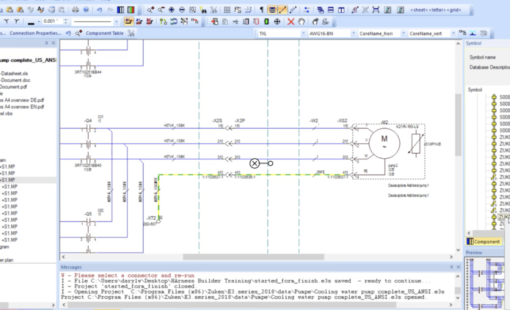
How to use the jump to the component library and symbol-misc library commands with or without shortcut keys.

- Blog
Top 10 Tech Tips of 2018 – try saying that one 5 times fast! 2019 is off to a great start! We thought it was a good time to reflect on the best-of-the-best Tech Tips from 2018. The following are the most popular Tech Tip posts published 2018.
- Blog
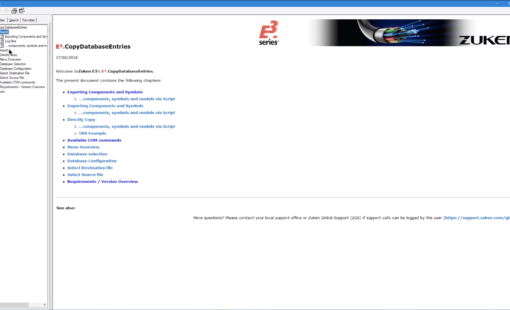
Component management is a big part of the design process spanning multiple library instances. The library management tools like E3.CopyDatabaseEntries are available in E3.series to automate much of the manual work. CopyDatabaseEntries has been a trusted tool for many years for a large number of E3.series users. The biggest advantage of the tool is ...

- Blog
This video shows how to use Microsoft Regedit for creation/removal of E3.series library database connections. Set up in advance, to speed initial startup.

- Blog
This tech tip explains how to create automatic bill of materials (BOM) and connection or wire list reports. E3.series has the built-in capability to generate these reports, and users can choose to either create standalone reports in Excel format for use with other applications or build the reports into their current E3.series projects as additional sheets.
- Blog
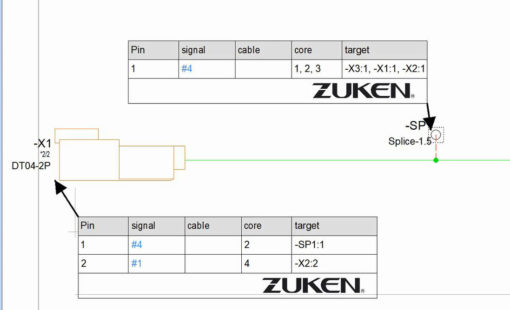
In E3.series 2018, table symbols are now supported for all devices on formboards. Now when you select any device on the formboard, you’ll find the command Place Table Symbol is now in the context menu.

- Blog
Learn design tricks and treats with E3.series. Levels help you manage your design easily and the connector attribute configurator provides granular control at your fingertips.

- Blog
E3.series 2018 now provides a way to control which objects are highlighted when an area selection is done.
- Blog
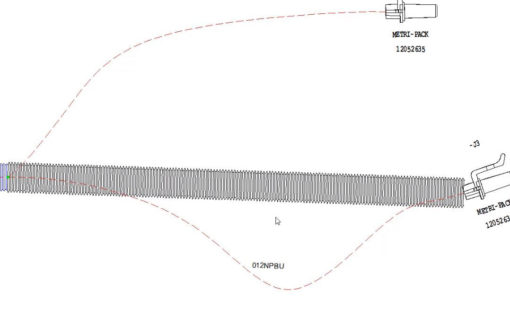
One of the new features in E3.series 2018 is the ability for users to create their own line and application fonts. The advantage to this is now users can create completed graphics such as spiral tape and corrugated tubing, which will follow the curvature of a segment on a formboard. These line fonts can be defined for any graphic entity in E3.series.

- Blog
The video below explains the different methods of renaming your wires in an E3.series, either while adding them or after they’ve been added to your project. It includes setup instructions for each method.