E3.series Tech Tips

- Blog
Using the Context Menu will increase your design speed and make E3.series easier to use. The video below explains how to use and add your most popular commands to the Context Menu.
- Blog
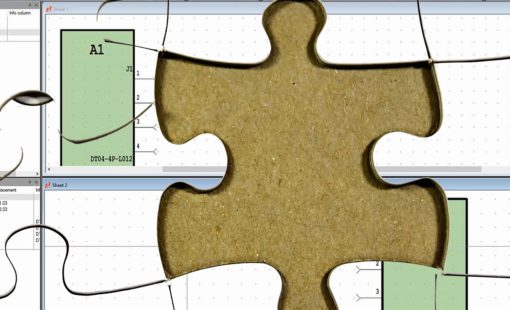
This video walks through the process of creating connections that span more than one page in E3.series. This process comes in handy if your schematic sheet gets too crowded or your signal continues to another part of the schematic.

- Blog
This will make E3.series easier to use and work faster by creating your own toolbars and keyboard shortcuts with the commands that you use most.

- Blog
The automation or configurability of designs is a goal every team wants to achieve, but most teams haven’t seen success mainly due to not having the right tool to get the job done. Electrical design tools that were once used by a vast number of companies originally came as extensions of mechanical design tools, or were very often just basic drafting tools. The ability to create exceptional designs without errors and do it in a fraction of the time required by other tools is the major reason why E3.series is so effective in helping design teams.
- Blog
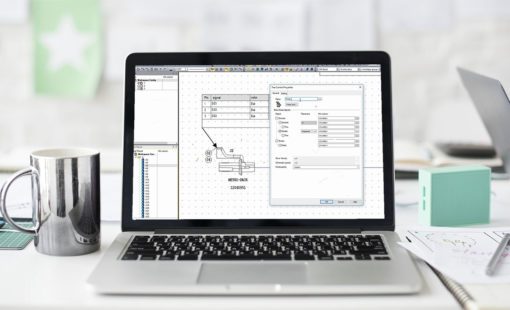
The customization and workspace flexibility is one more way for E3.series to give the user what they need and want. All workspace customizations can be saved locally to provide a consistent user interface.
- Blog
We are all looking to gain productivity in our design cycle to save time and reduce costs. A good method to get a head start is to use Excel or a .csv file to get the design started and load devices into you project. The most common application is to load the connectors and signals from Printed Circuit Board (PCB) in the electrical design. Blocks can be used to represent systems and the Excel sheet can help you get the system information from other teams or 3rd party vendors.
- Blog
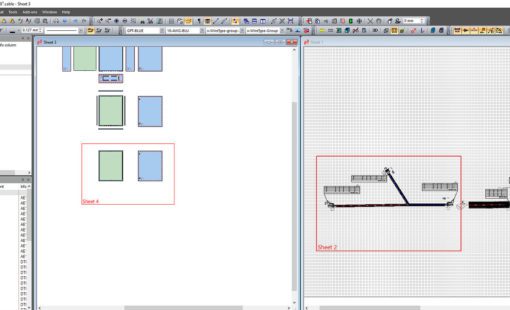
E3.series with the shared sheet option for panels and formboard/nailboard makes it easy to design a large system and we will be looking at the quick steps needed to get started.

- Blog
E3.series 2017 brings improved automatic routing for making connections by adding automatic connections between selected items. The most common controls are based on the following scenarios ...