
Tech-Tip: DF 2019 New Feature: How to do checking the unconnected length
In DF 2019 we have new feature call “Checking the Unconnected Length”.
But this feature is not in the What’s New online help, since it is execute by simple macro syntax.
- Let open the DF 2019 online help and open the page:
Home > Guide to Applications > Checking Design Data > Checking the Unconnected Length

- To find macro syntax click link “unclength-report”.

- Copy & Paste the “( unclength-report )” to register it for one of User Command.

- Add it under Quick Access Tool bar

- Select some of un-connected nets and execute this command will get report of Unconnected Length.

- Execute this command without select any of un-connected net will get this message.


-
Applications Engineer

- Blog
- Blog

- Blog
- Blog
Related Products and Resources
- Products
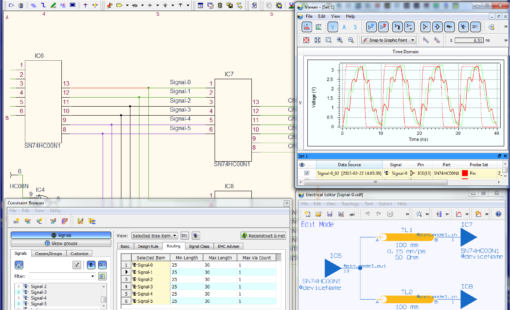
PCB Design Creation - Design Gateway is a platform for logical circuit design and verification of single and multi-board system-level electronic designs. It supports a true system-level circuit design in which individual circuits can be represented and connected as blocks.

- Products
Building a competitive product today is much more difficult than a few years ago. Existing PCB-centric design processes are limited to a single PCB and do not provide the necessary tools for today’s competitive product development environment. PCB-centric design processes are falling behind.