
Defining Properties
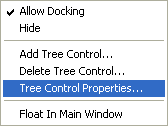
The properties of the currently active tree can be verified and changed, if necessary, using the Tree Control Properties... command from the project's context menu.
New user-defined tree views can be generated using the Add Tree Control command from the Project window's context menu. Selecting this command opens the Tree Control Properties dialog.
Contents and Filter
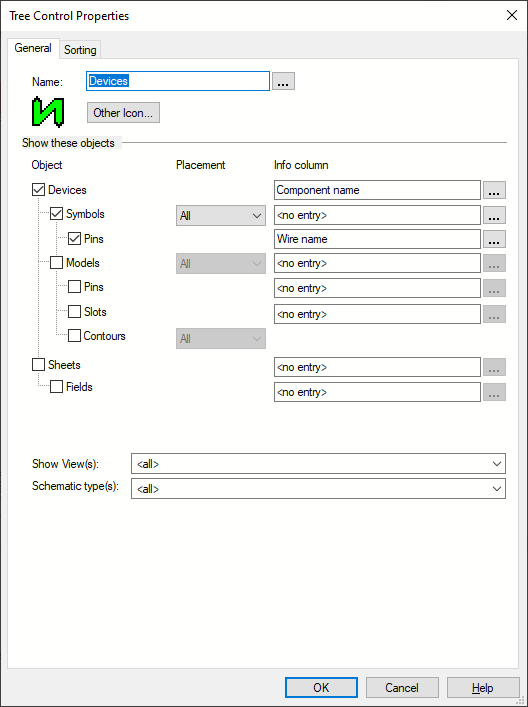
The General tab of the Tree Control Properties dialog allows the user to define, which objects shall be displayed in the tree and which information shall be output in the Info Column.
Using this functionality, the user can create individual trees, for example only devices with symbols for the pneumatic plan that are still unplaced.
Note
Not all commands can be executed directly in the structure of user-defined tree views, since the folders displayed in this view represent a summary of structure nodes and thus are not clear.
However, the complete E3.series functionality is possible in the sorted trees in a flat structure (structure_template_classic.xml).
The user should thus use certain characters (e.g. the ! character) in the tree name to mark the tree containing the complete structure or the dynamically sorted tree.