Placing Automatically Plugged Assemblies in Panel Layout
The panel functionality is only available when a E3.panel license is present!
When placing assemblies from the circuit diagram to a panel sheet, and the assemblies contain the appropriate slot and mounting rail description, these assemblies are placed in the panel layout being automatically plugged.
Based on all 'point-shaped' slots of all the assembly's devices, the devices with the appropriate mounting methods are plugged.
When several methods exist, the first is used. Independent on which element of an assembly is placed, all other assembly elements are placed together.
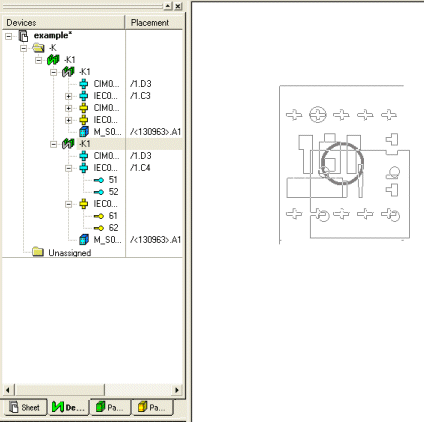
After placing all "plugged" devices are locked (except the base element). To unlock, uncheck the Lock position option in the Device Properties - Shape dialog.
Note
When moving, deleting and copying all "plugged elements of the assembly are considered, so that always the complete assembly is edited and not only parts of it. When individual parts are to be edited, the Lock position option must first be unchecked in the Device Properties - Shape dialog, as already mentioned.
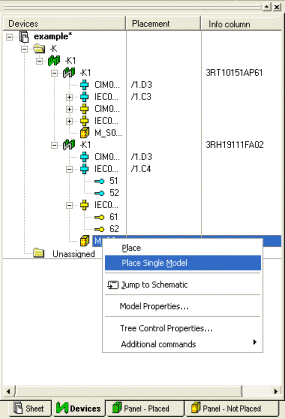
It is also possible to place a single model of an assembly. To do so, the Place Single Model command is available in the Database tree and in the Project trees on a model contained in an assembly.
In this case, only the selected model is placed.