
Select Component
The following dialog box will be displayed when clicking on the  button:
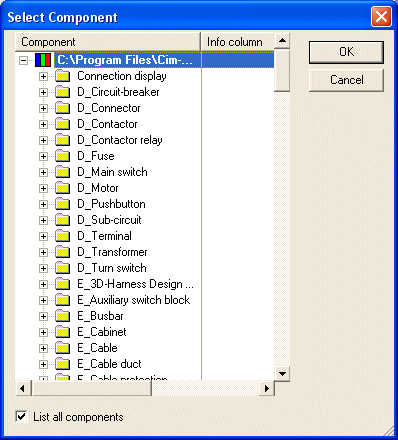
This dialog displays all components matching the criteria defined with Component Search Configuration.
|
Select Component |
|
|---|---|
|
Component |
Displays the folder where the components are stored in the database tree structure and their names. |
|
Description |
Displays the description of the individual components. |
|
Version |
Displays the current version of the individual components. |
|
List all components |
Activate this checkbox to list all components in the database tree structure. |