
Browse for Folder
To open the Browse for Folder dialog click on the  button in the Initial Directory field of the Customize - Add-ons dialog.
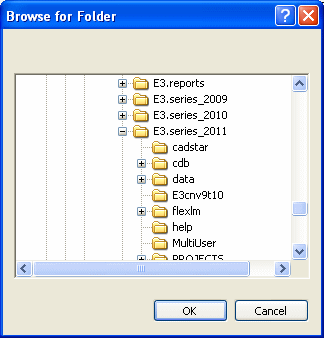
The following dialog box will be displayed:
|
Browse for Folder |
|
|---|---|
|
tree view |
Displays the folder tree view to select the directory folder containing the desired files.. |