
Open (File)
The following dialog box will be displayed when clicking on the  button in the Customize - Add-ons dialog box next to the Command and Image line:
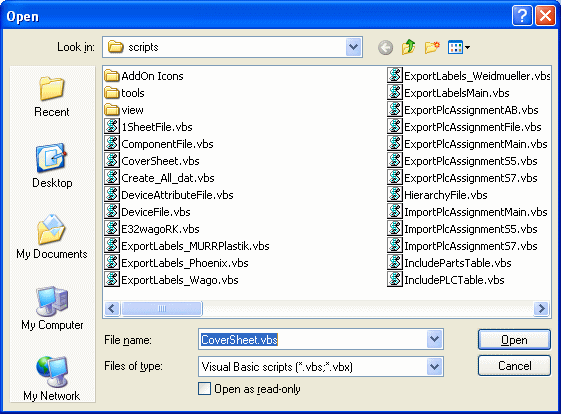
|
Open |
|
|---|---|
|
Look in |
Selection of drive and folder to look in for the file. |
|
File name |
Enter the file name. |
|
Files of type |
The predefined file type is 'Visual Basic scripts' (*.vbs; *.vbx). |
|
Open as read-only |
Check this option to define the selected file as read-only, i.e. it cannot be modified. |
|
Open |
Open will open the desired file. |
|
Cancel |
Cancel will abort the command. |