
Reload Settings
To load additional settings into a project or restore the default settings in a project, it is possible to replace the current settings by those defined in the (*.e3t) template file.
To select the template file,
-
select Tools -> Reload Settings... from the Main Menu bar and
-
complete the following dialog box:
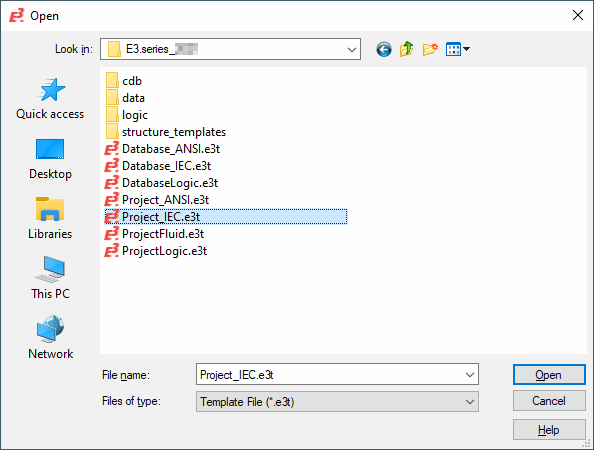
|
Open |
|
|---|---|
|
Look in |
Selection of drive and folder to look in for the file. |
|
File name |
Enter the file name. |
|
Files of type |
The predefined file type is:
The following template files are available by default:
|
|
Open/Cancel |
Select Open to open the selected file, or Cancel to abort the command. |